Editing Email Permissions
This content is only relevant for users with Admin access. If you believe you should have access to these settings, please contact your manager.
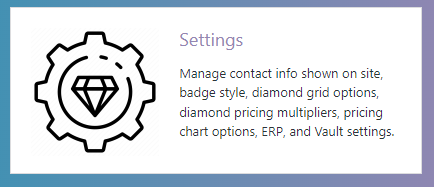
1.) From your backend dashboard, select the “settings” tile.
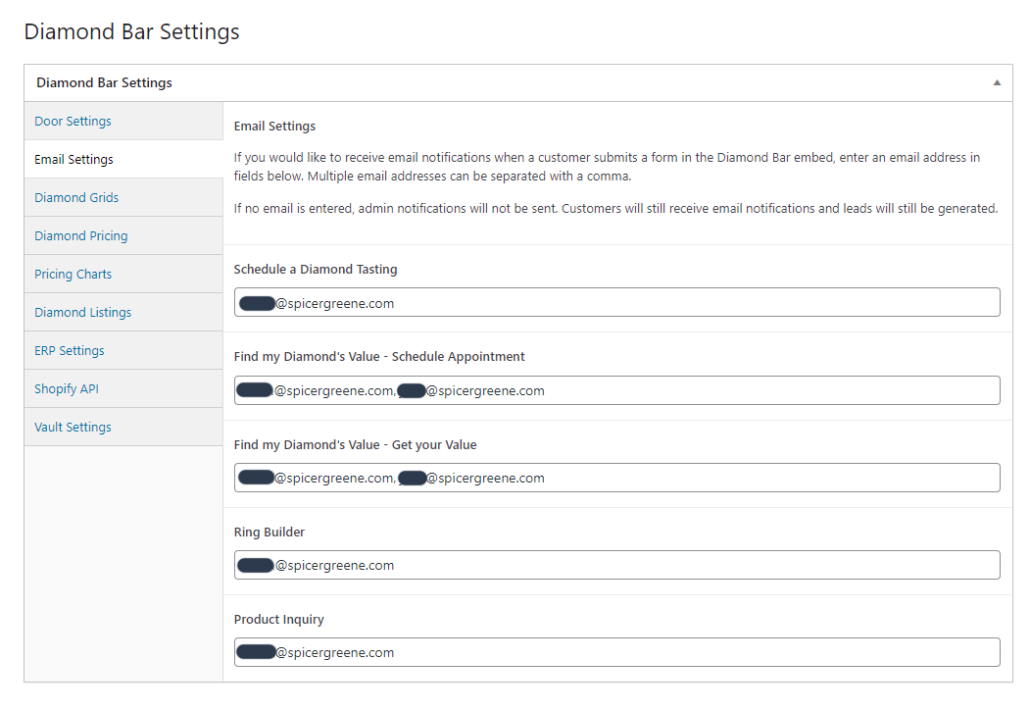
2.) In the left-hand menu, select “Email Settings.” Enter any email addresses you wish to receive email notifications. You can add as many email addresses as you wish, separated by commas. These can be changed at any time.
3.) When you are finished, hit the “Update” button.